Private Extension
What are Private Extensions?
Private extensions are custom-built solutions designed for one or more specific merchants. Unlike public extensions, private extensions are not published on the extensions marketplace.
Adding subscriber to a Private Extension
- Navigate to the private extension where you want to add subscribers.
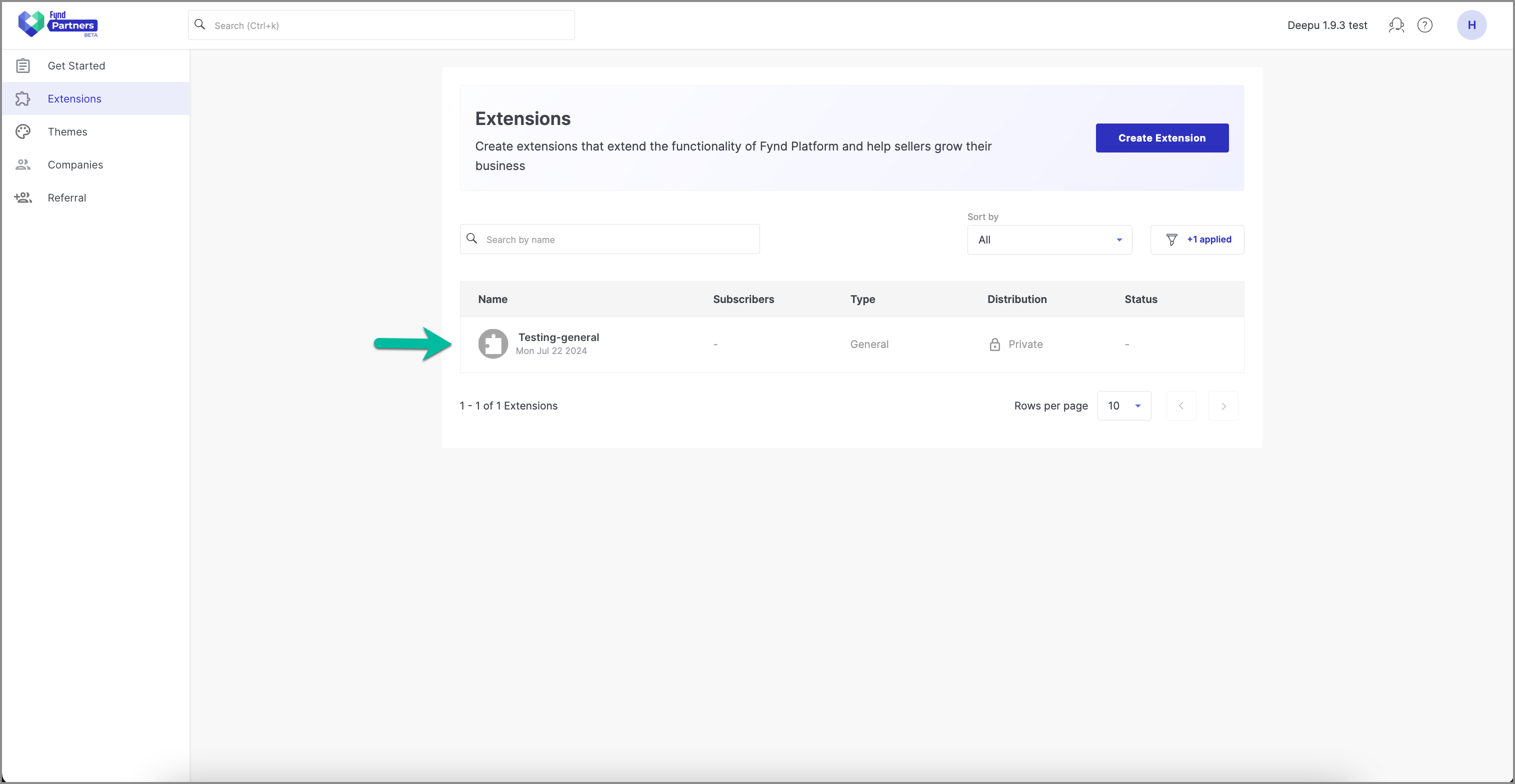
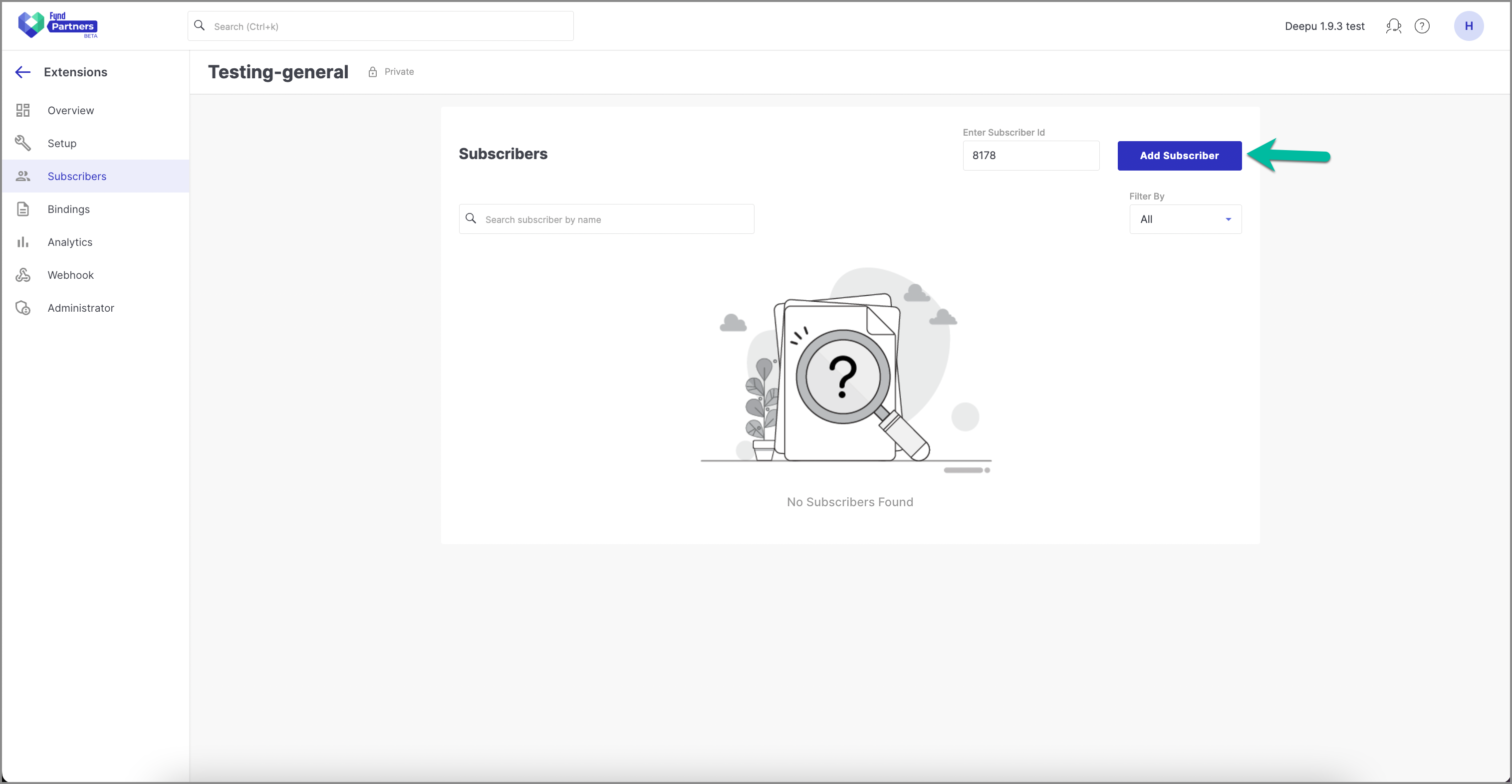
- Click Add Subscriber.
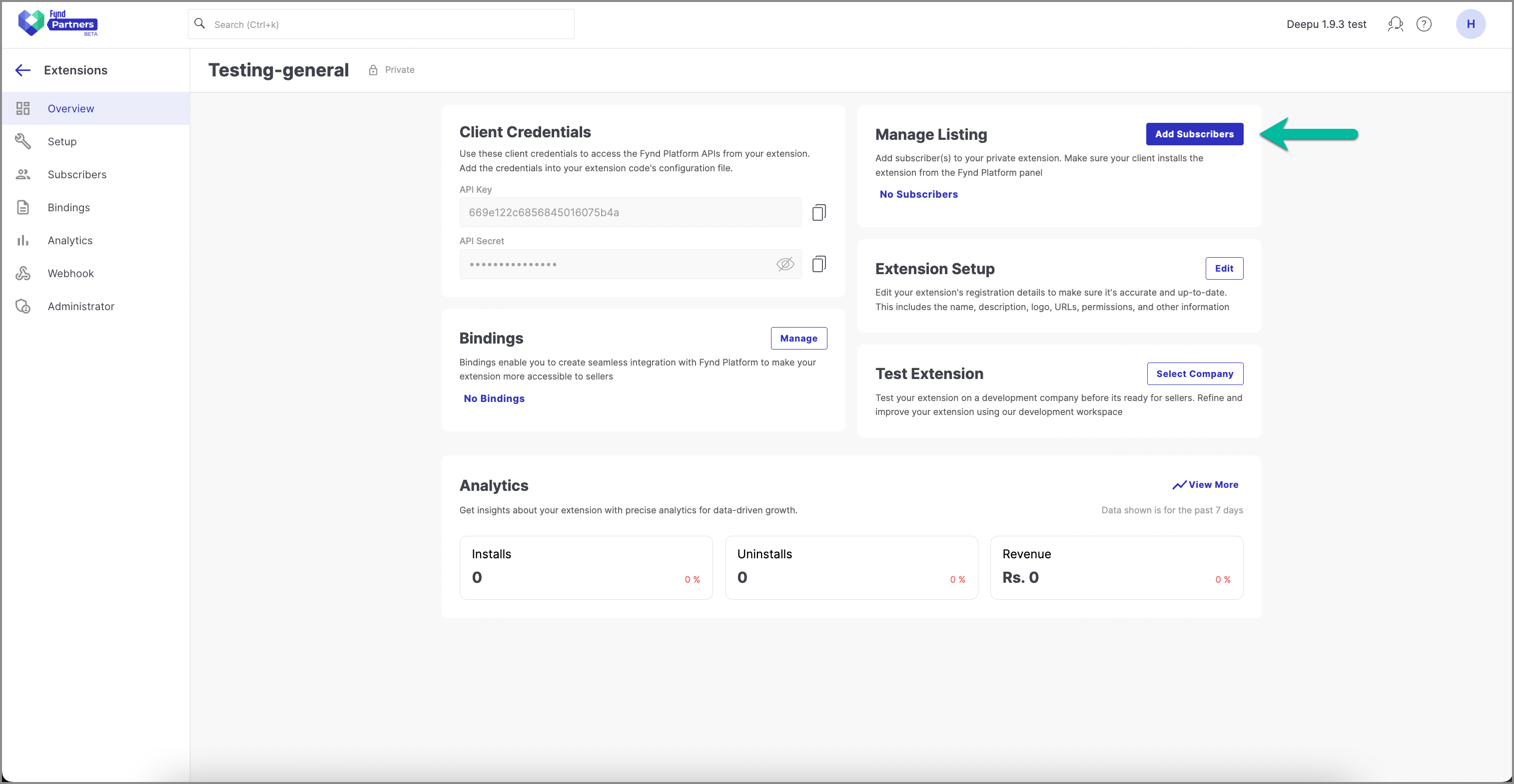
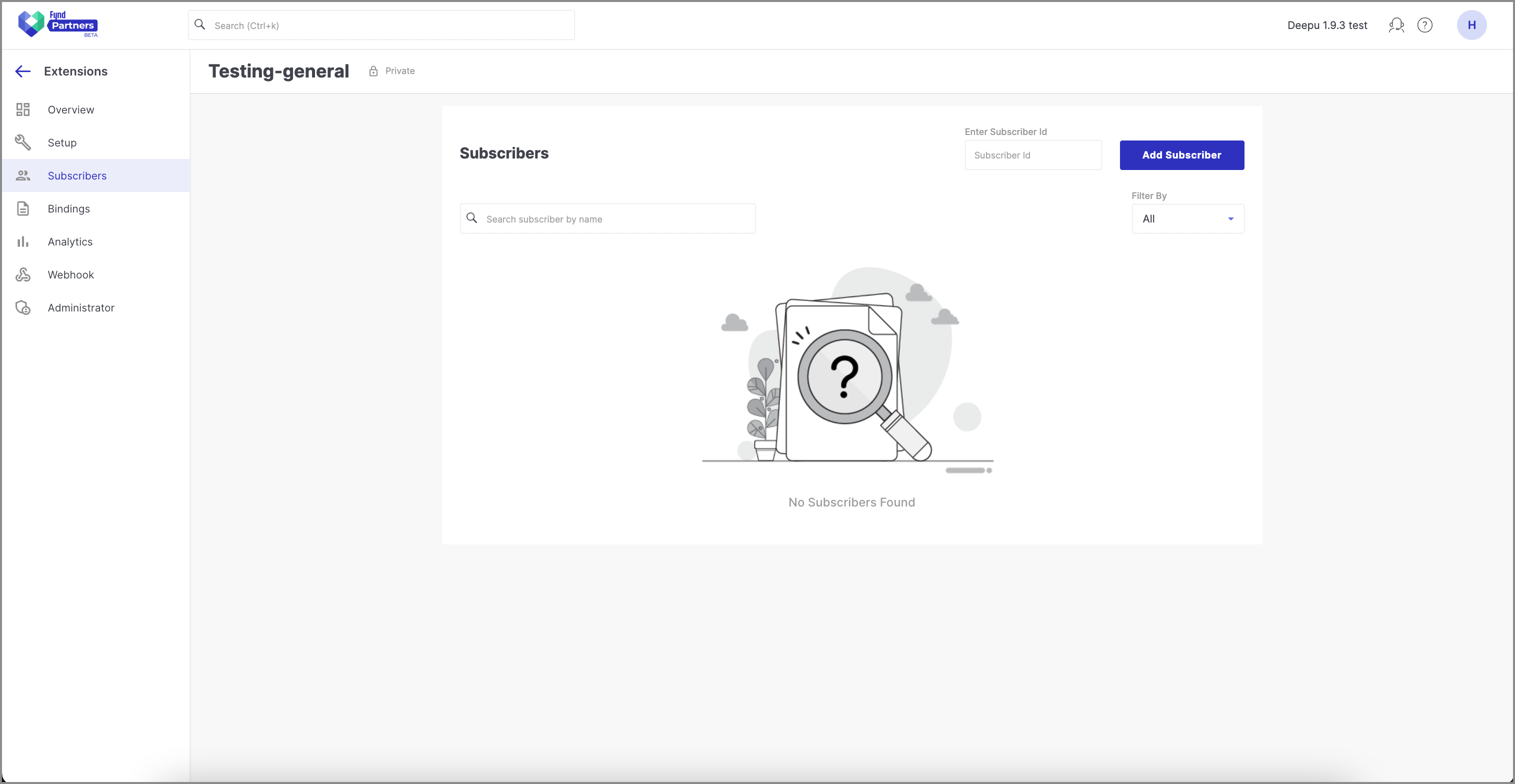
- A new page will appear, allowing you to manage subscribers.
- In the Subscriber ID text box, enter the Company ID of the company you want to add the private extension to.
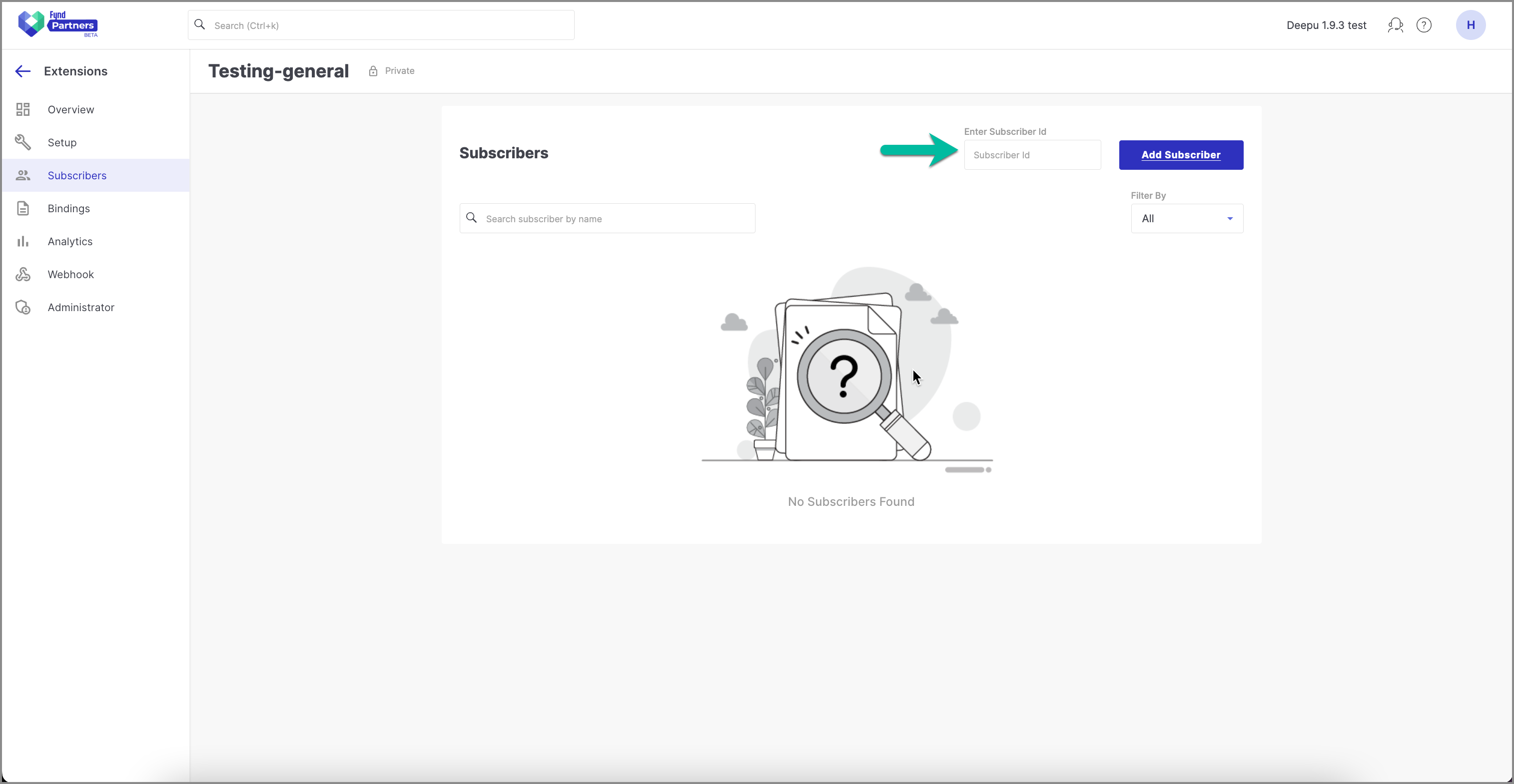
- Click Add Subscribers.
Required company has been added.
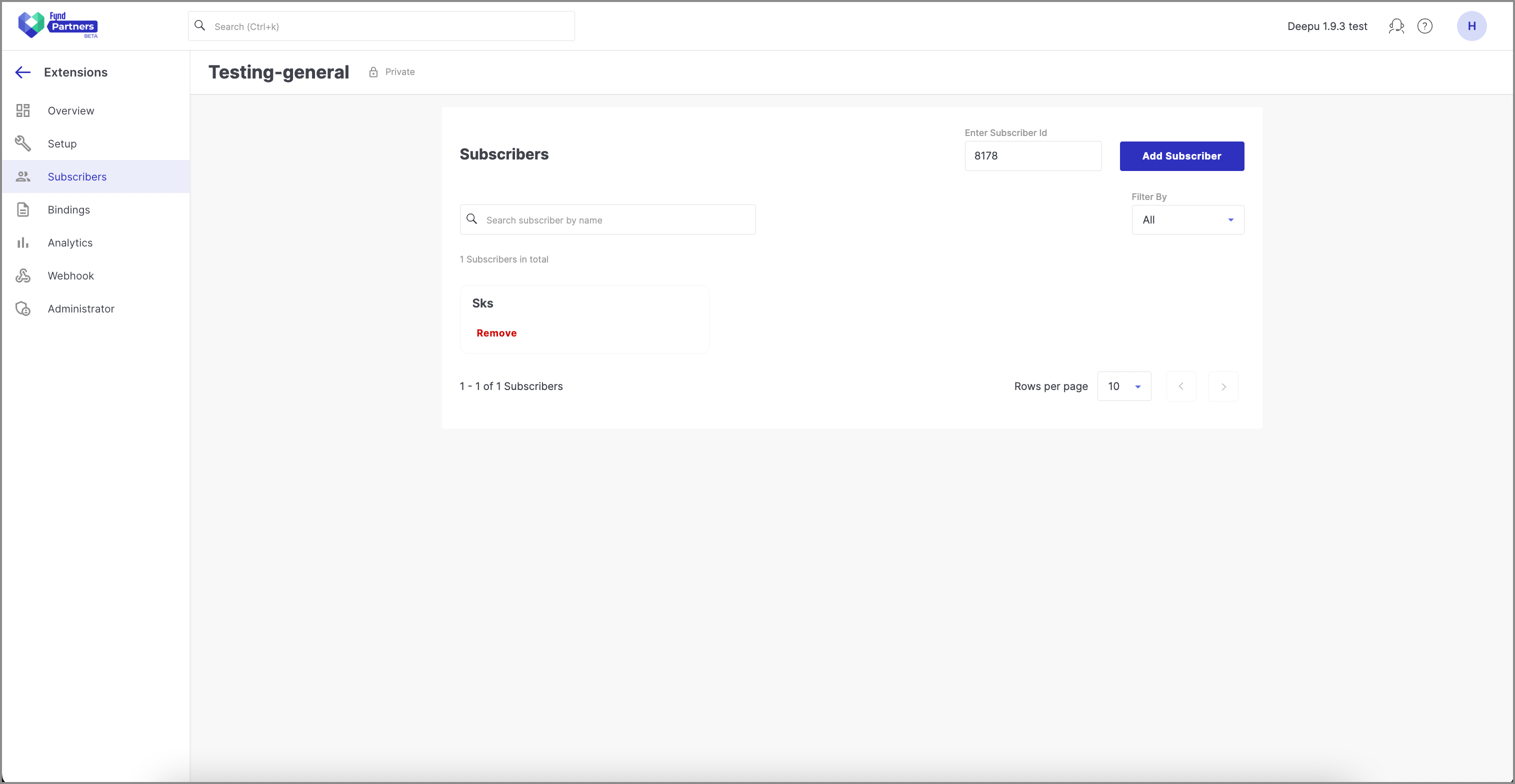
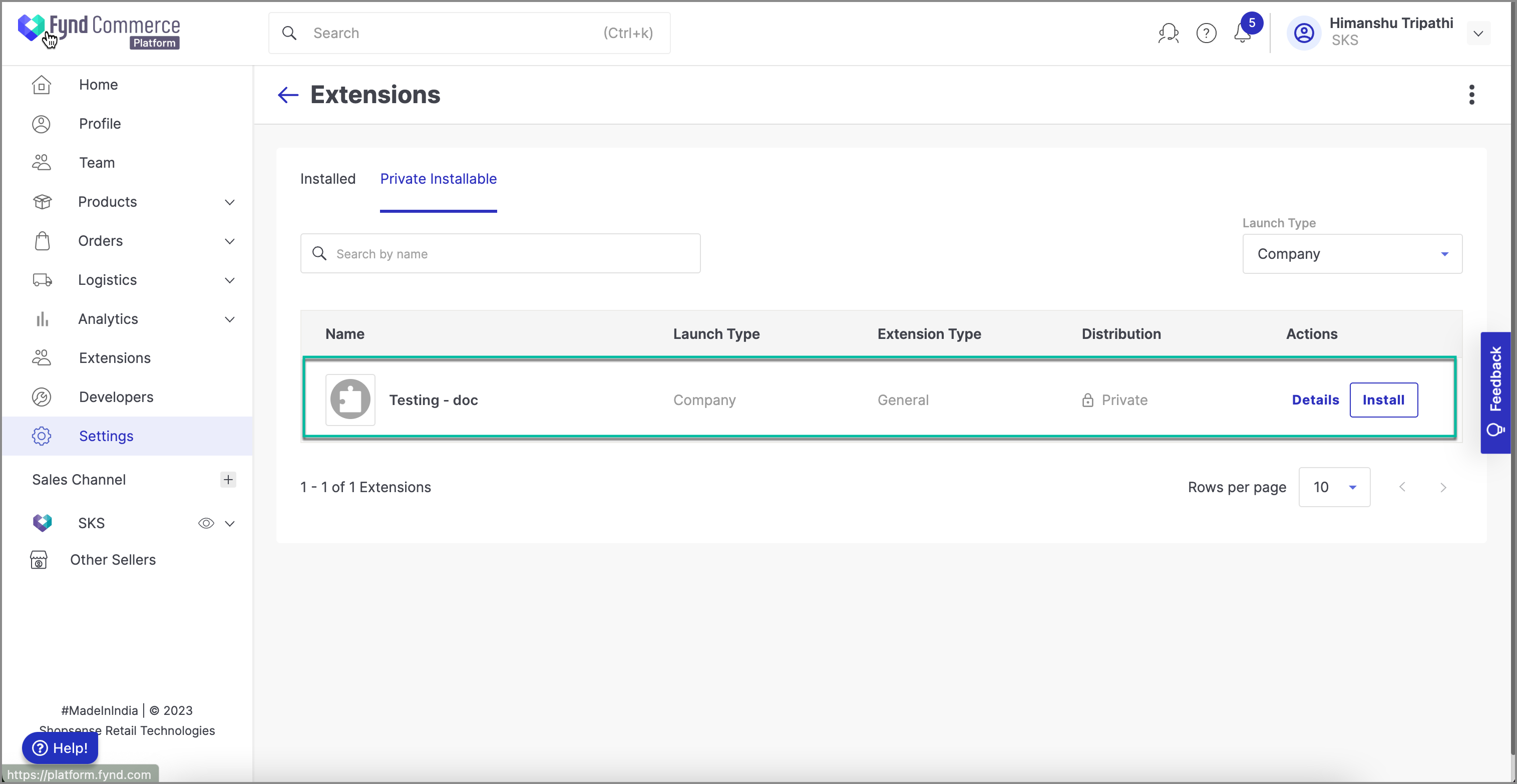
Your private extension is now available for installation in the specified company.
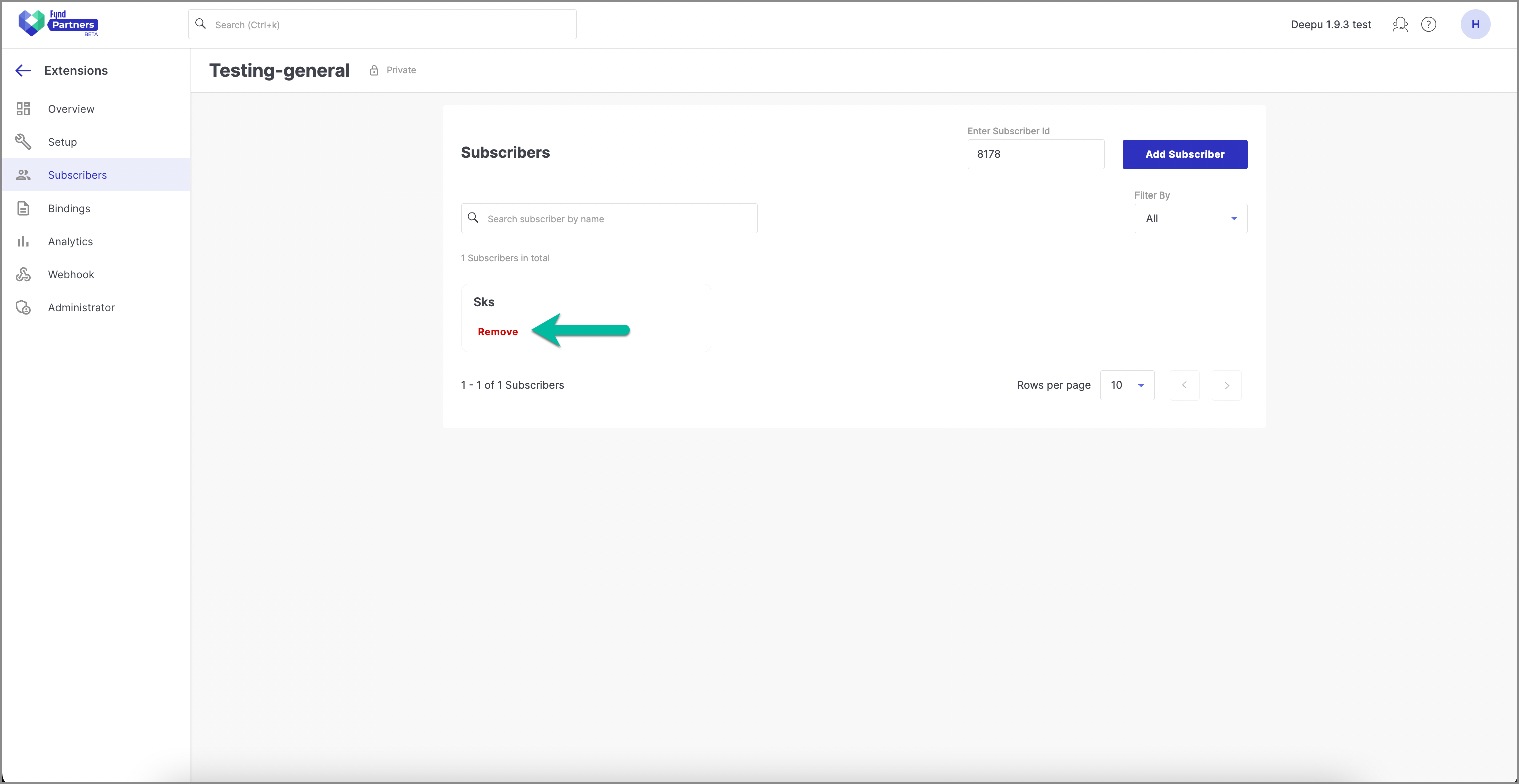
Removing a Subscriber from a Private Extension
- Find the subscriber you want to remove.
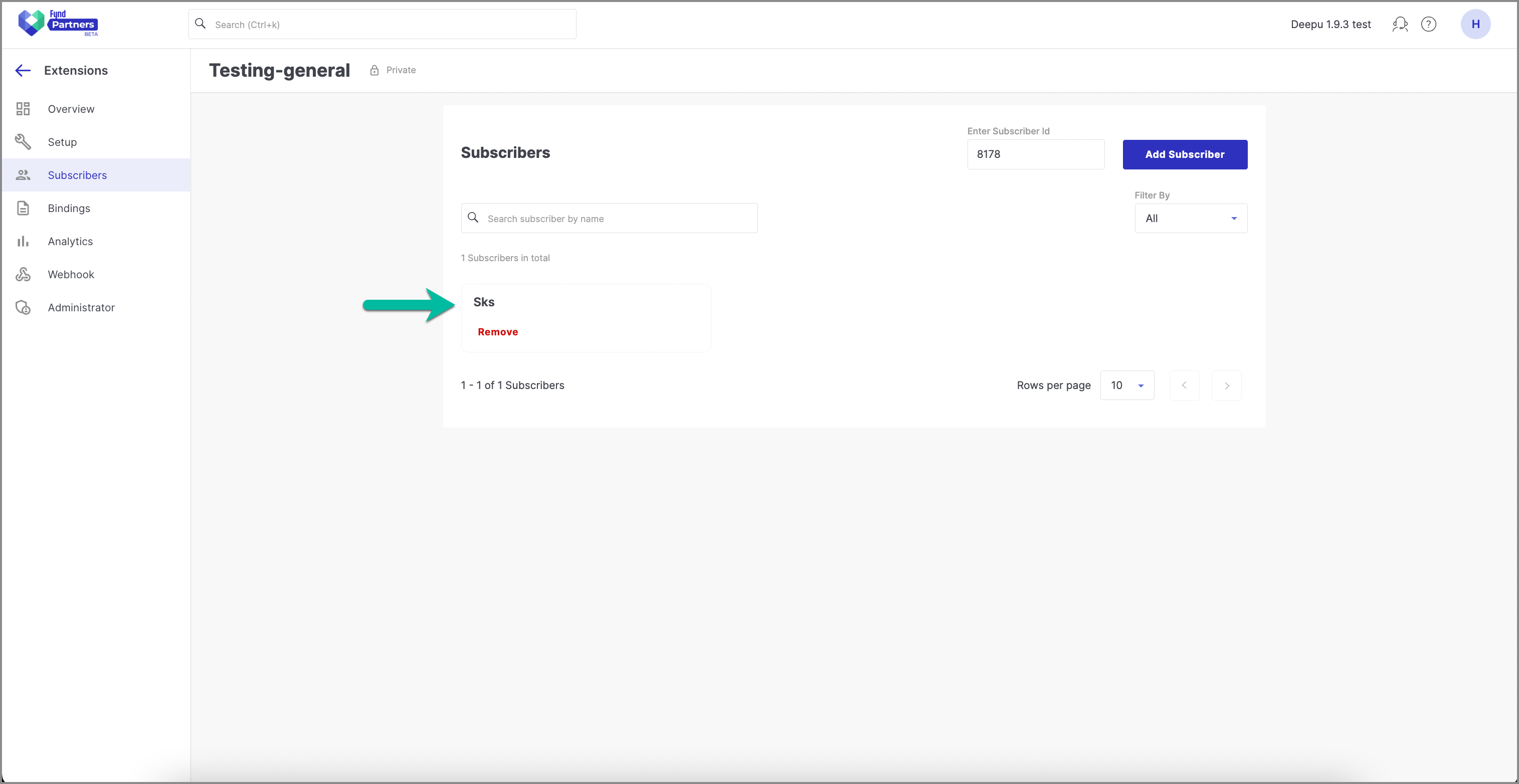
- Click Remove.
Converting Private extension to Public Extension
Why would I want to convert an extension?
If your private extension has a larger use-case which other merchants can benefit from, you can publish it on the extensions marketplace.
How to convert an extension?
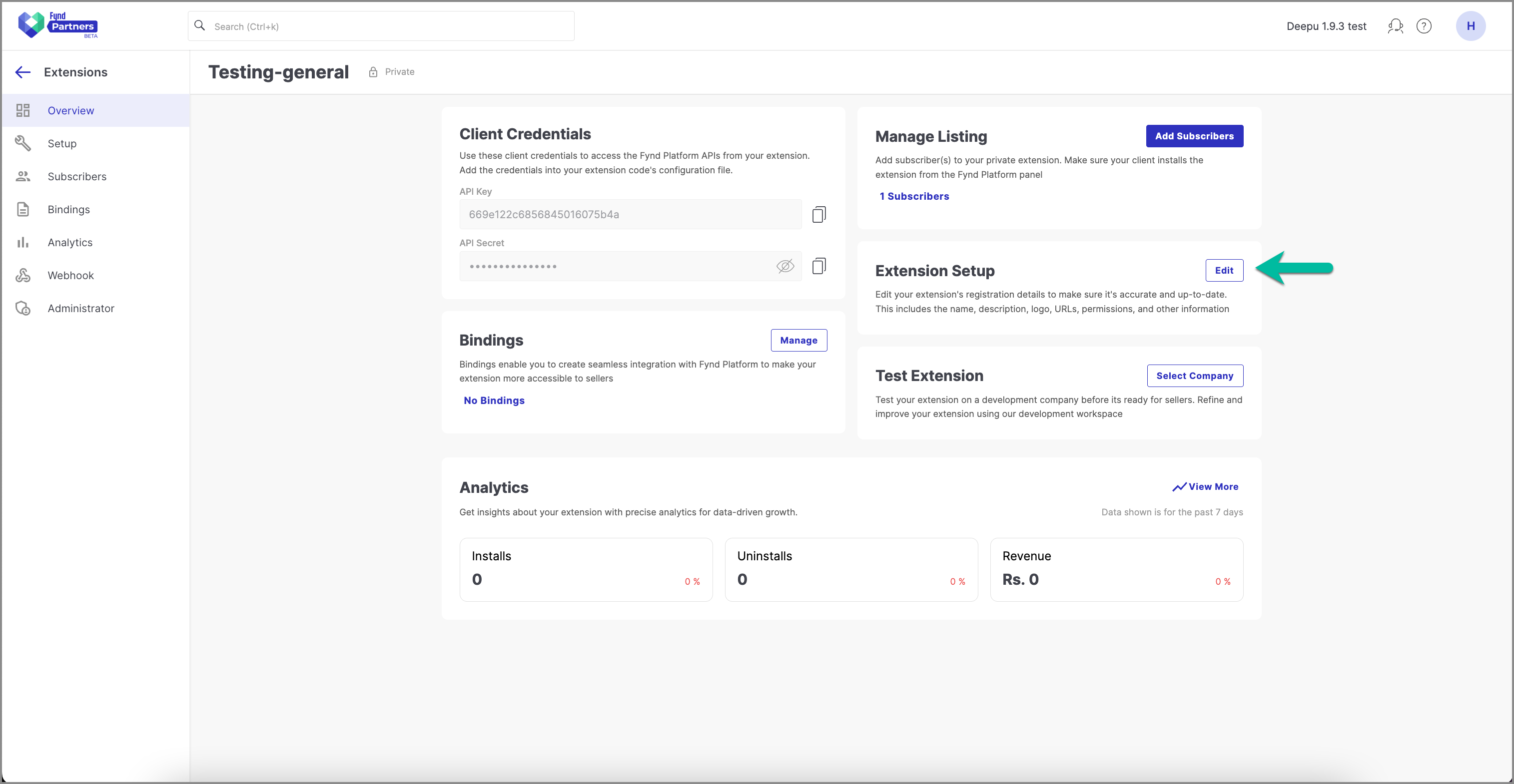
- Open the private extension that you want to convert to public extension.
- Click Edit as shown in the image below.
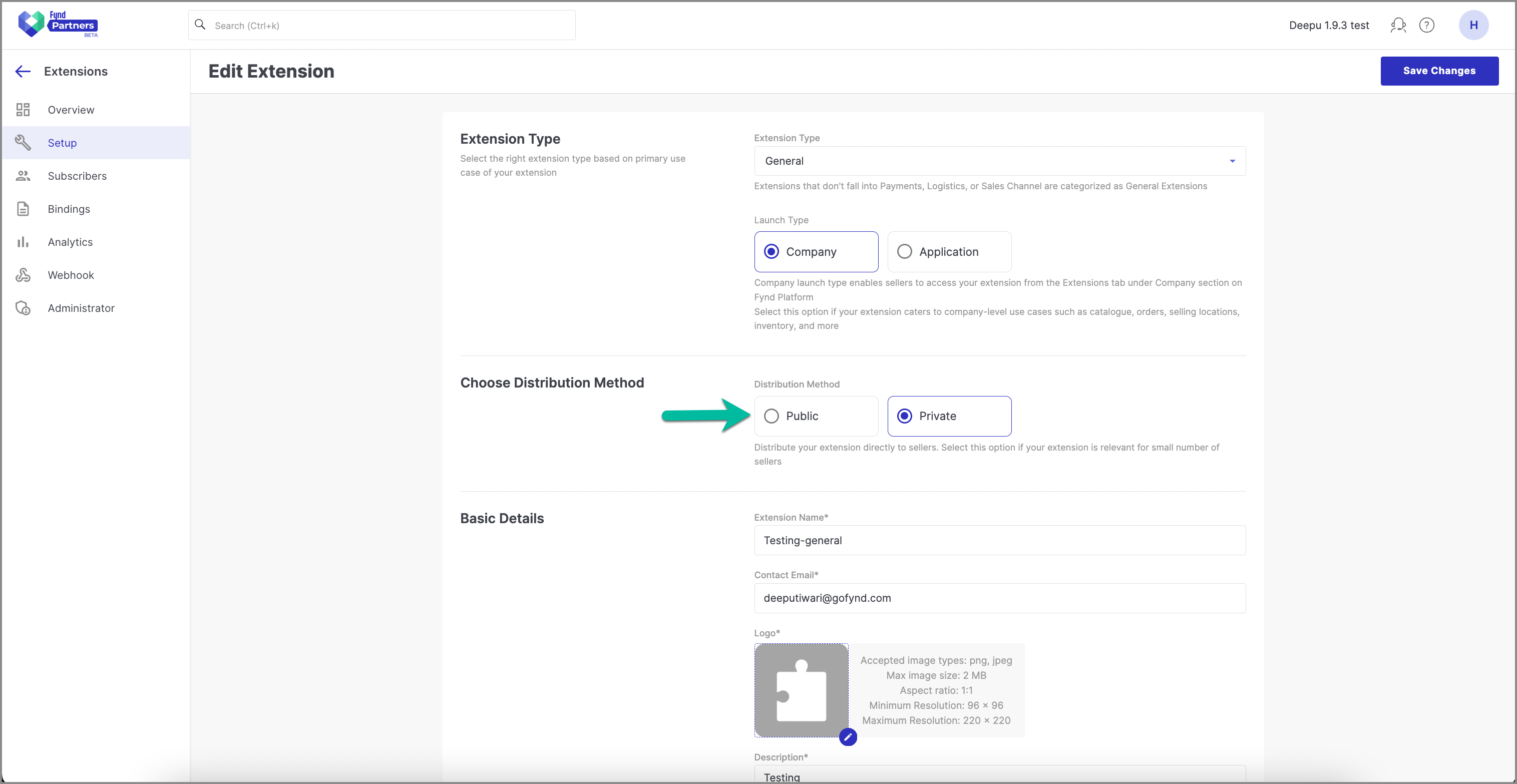
- Select Public as your distribution method.
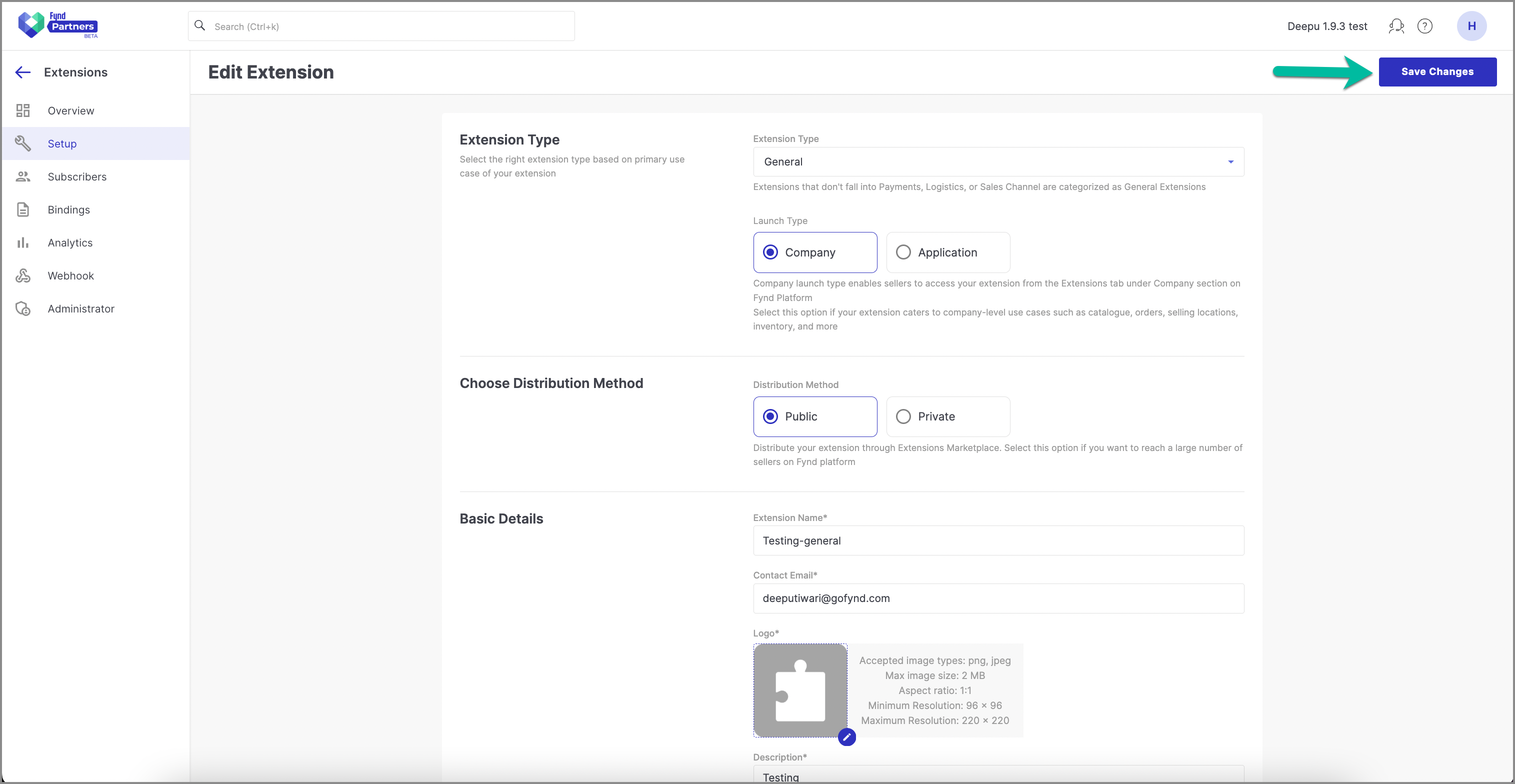
- Click Save Changes.
- Click Yes to confirm.
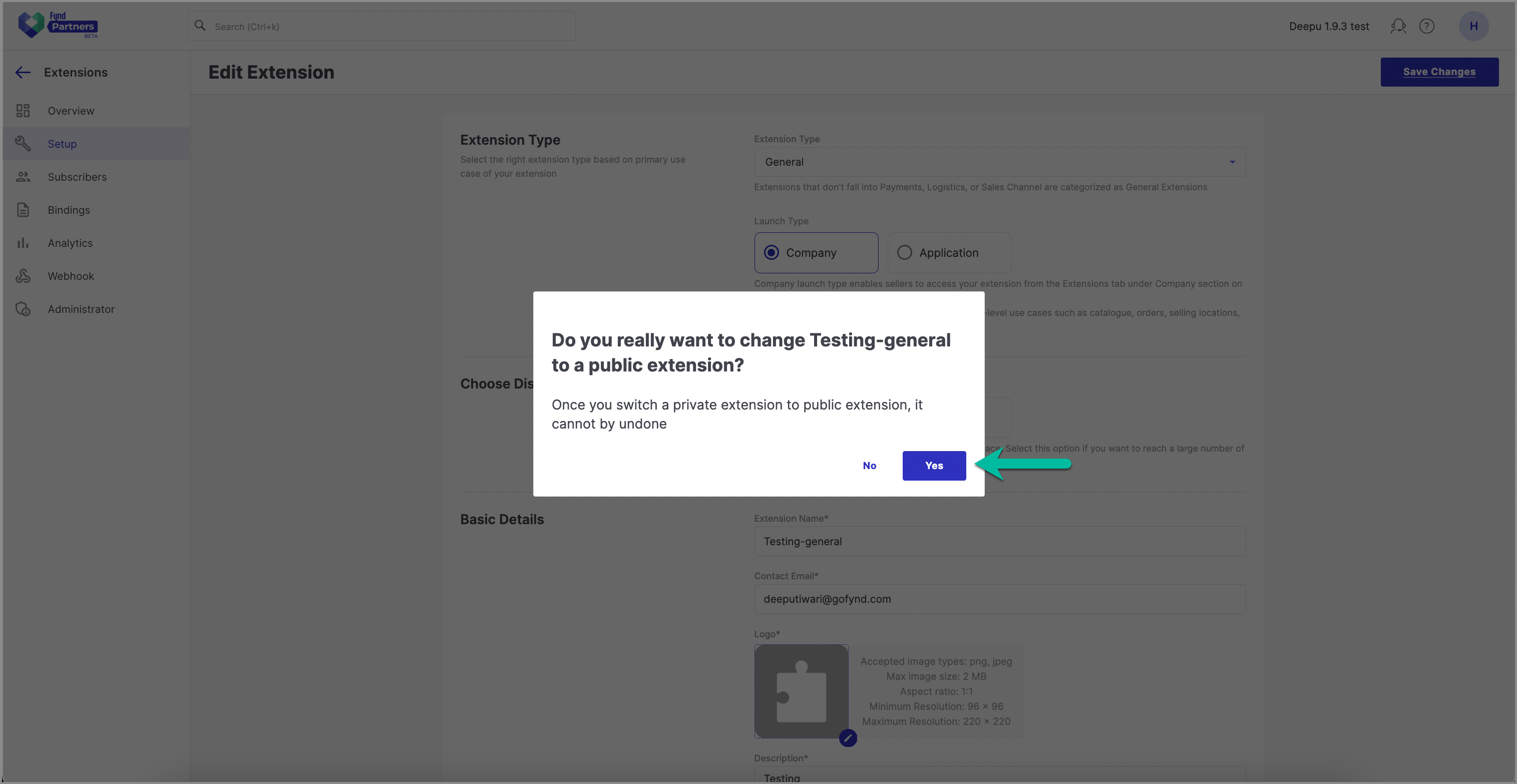
- Your private extension is converted into public extension.
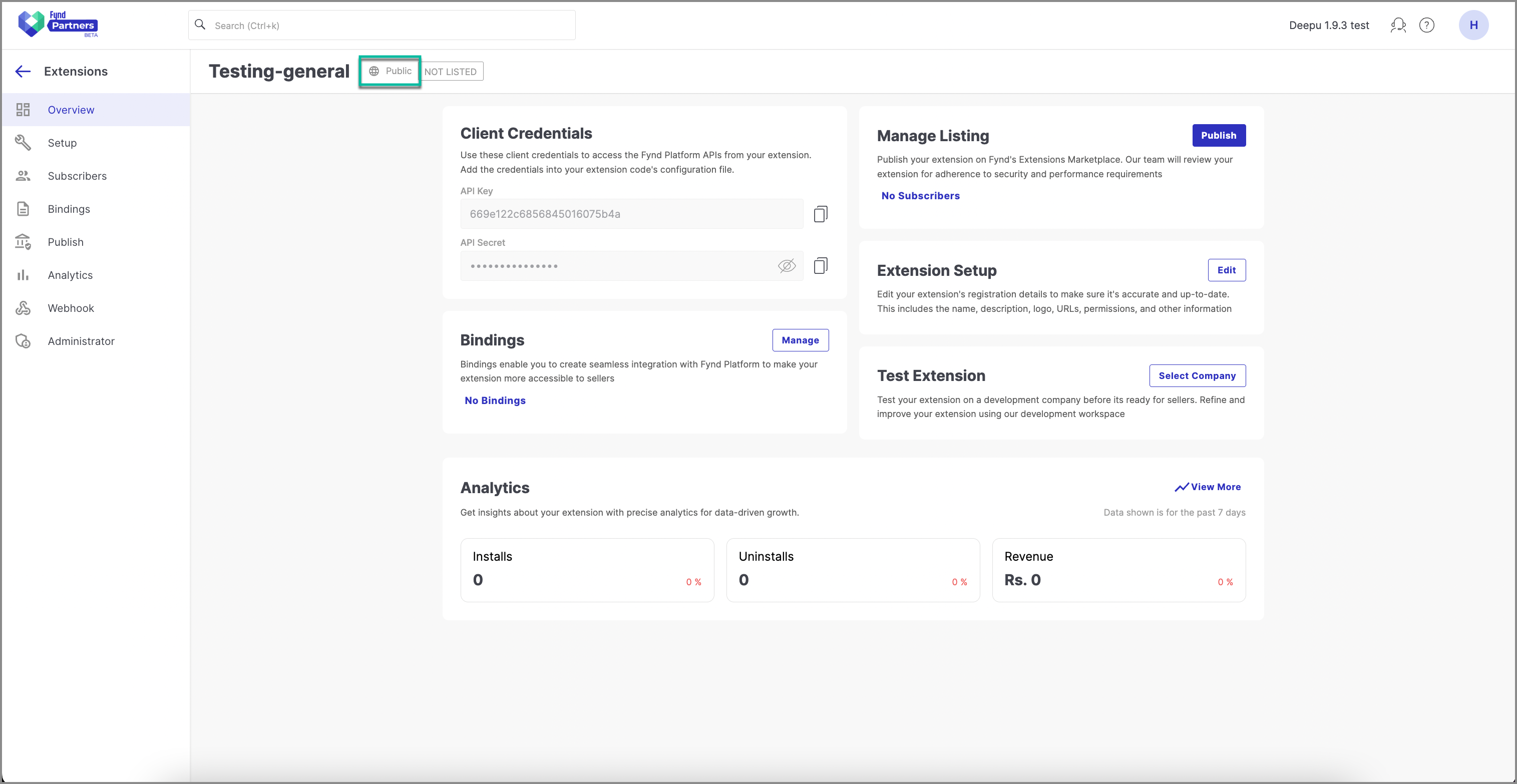
- To publish you public extension on the extension marketplace submit it for the review.
caution
You cannot convert a public extension into a private one.